



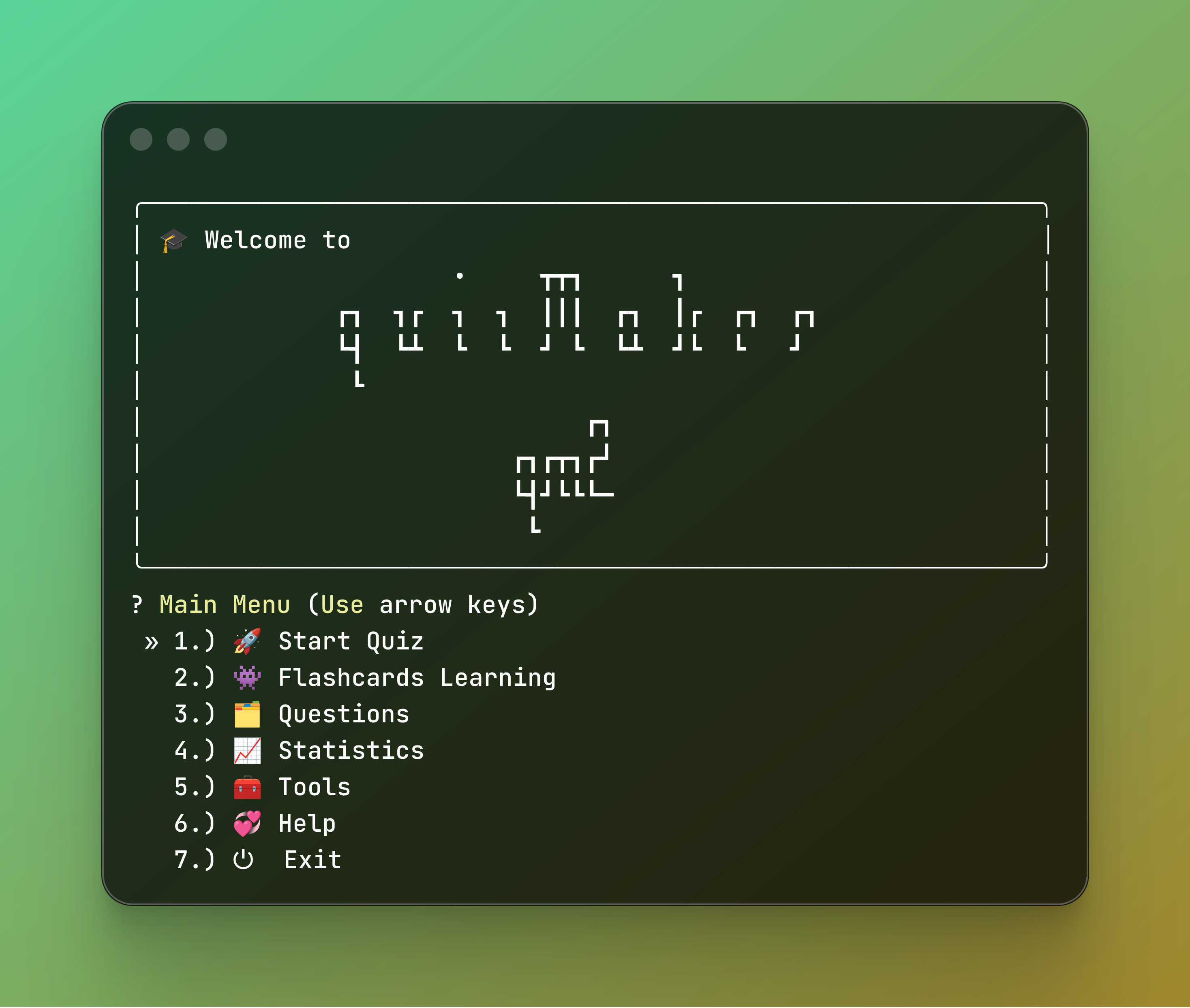
🖥️ High-Performance Interface
The core of QM2 is a terminal-based UI designed for speed and precision. By utilizing a custom-built navigation system, users can navigate through complex menus using arrow keys, providing a seamless “app-like” experience directly in the terminal.
🧠 Advanced Learning Modes
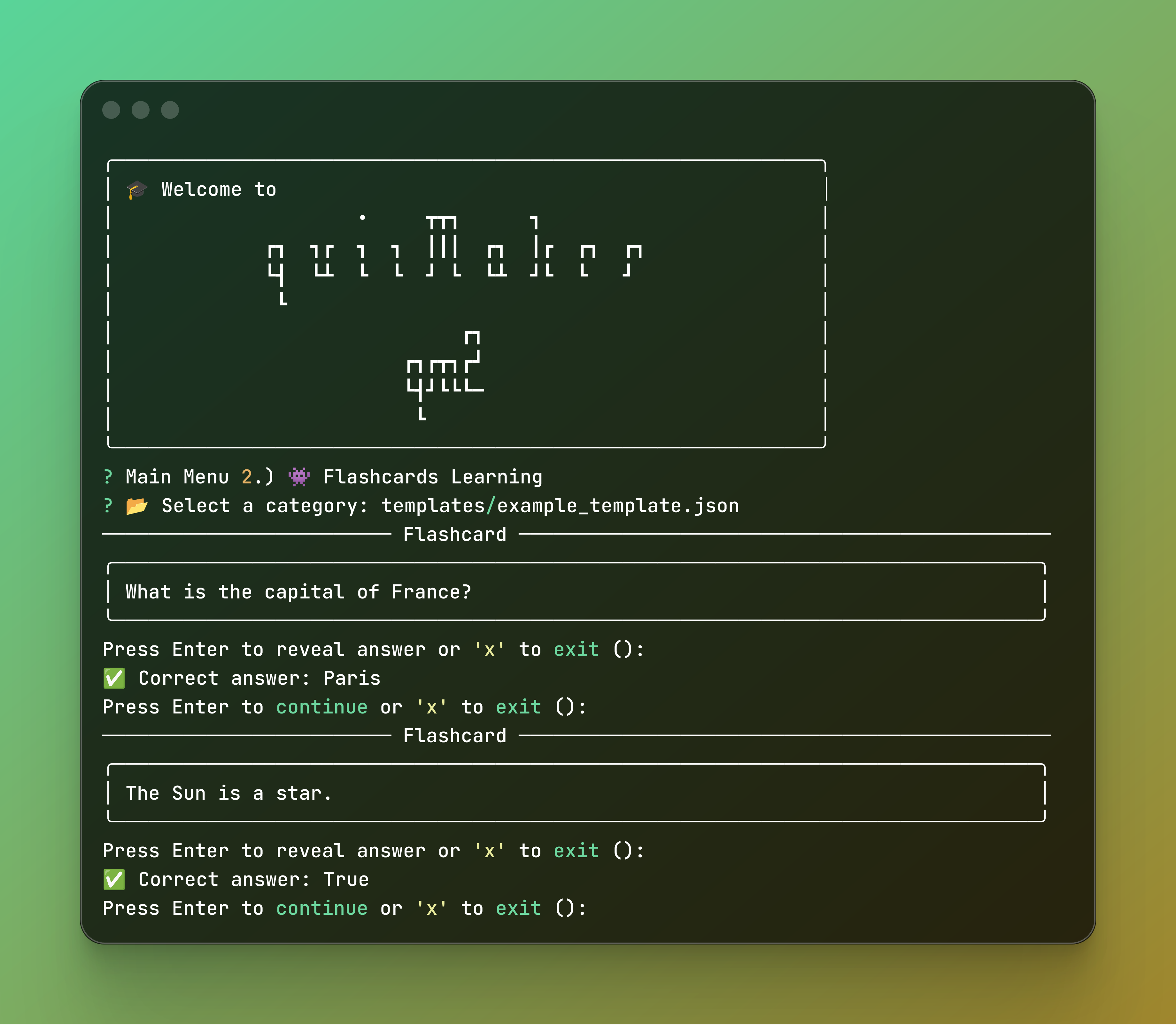
Beyond standard testing, QM2 introduces Flashcards Learning Mode. This feature leverages active recall principles, allowing users to rapidly cycle through study material.
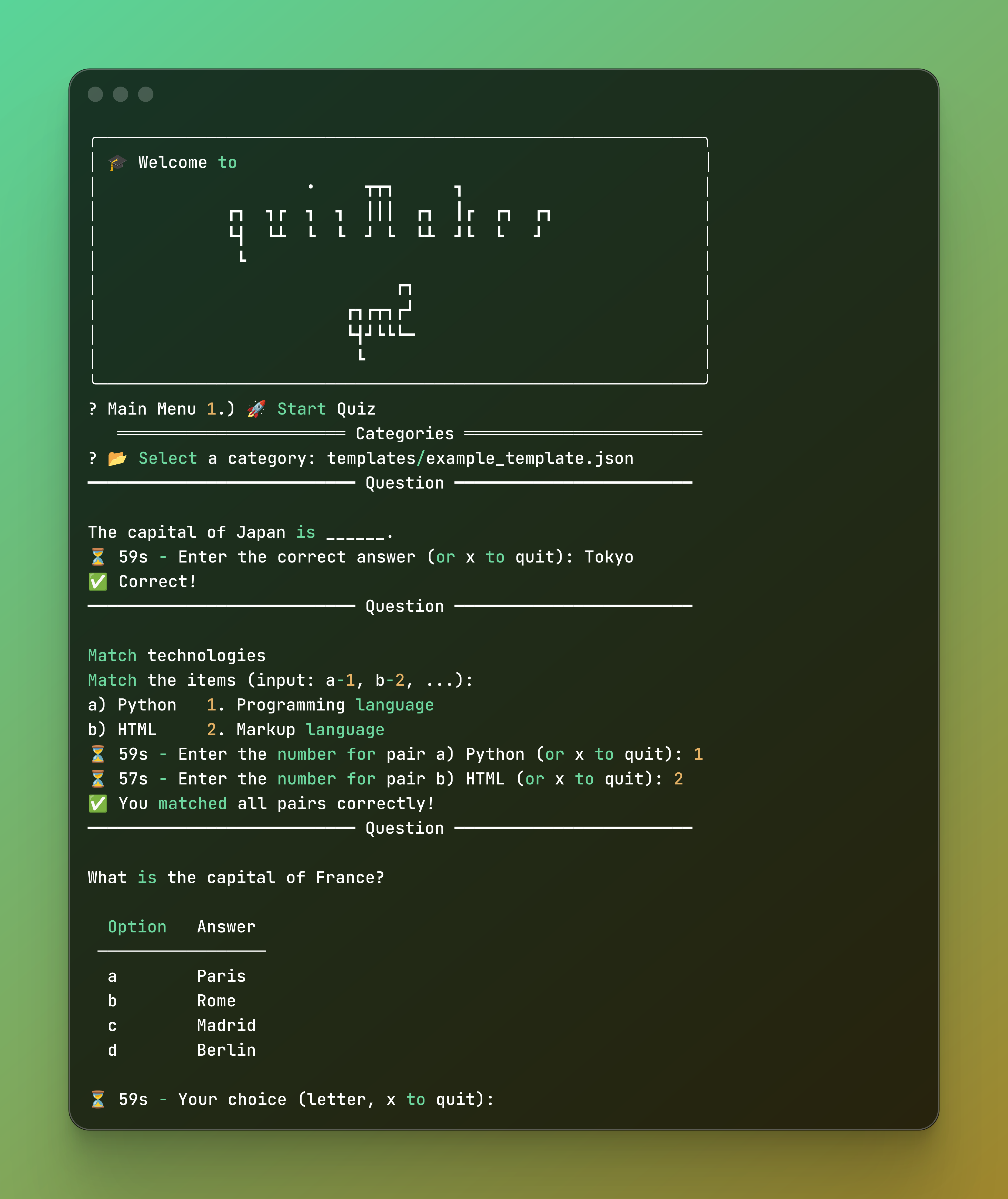
The Quiz Experience: Once prepared, users transition into a live session featuring real-time feedback and dynamic scoring.
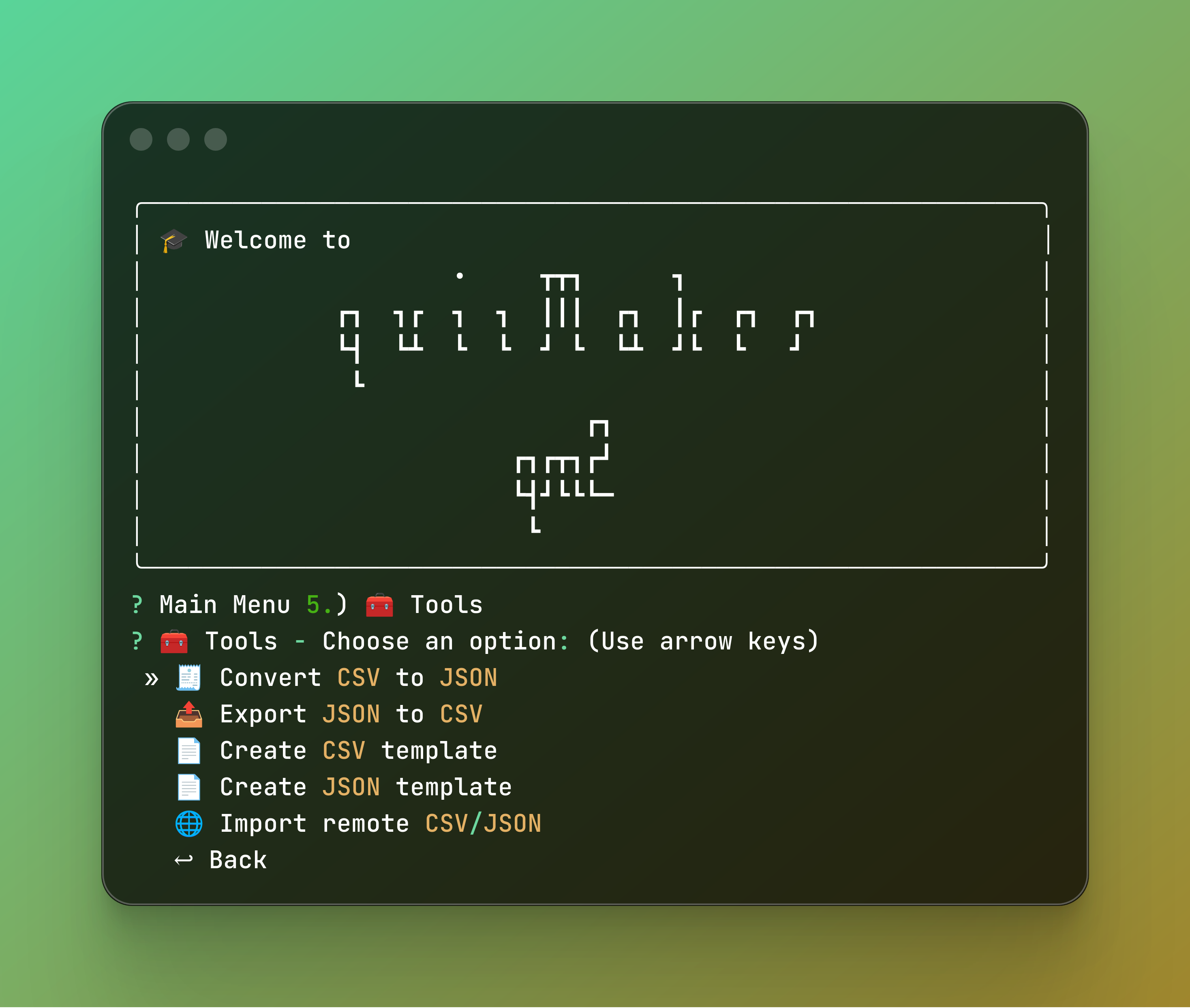
🛠️ Data Engineering & Toolkit
Built with versatility in mind, the integrated toolkit handles complex data operations. It features a bi-directional CSV ↔ JSON converter, automated template generation, and the ability to fetch quiz data from remote repositories.
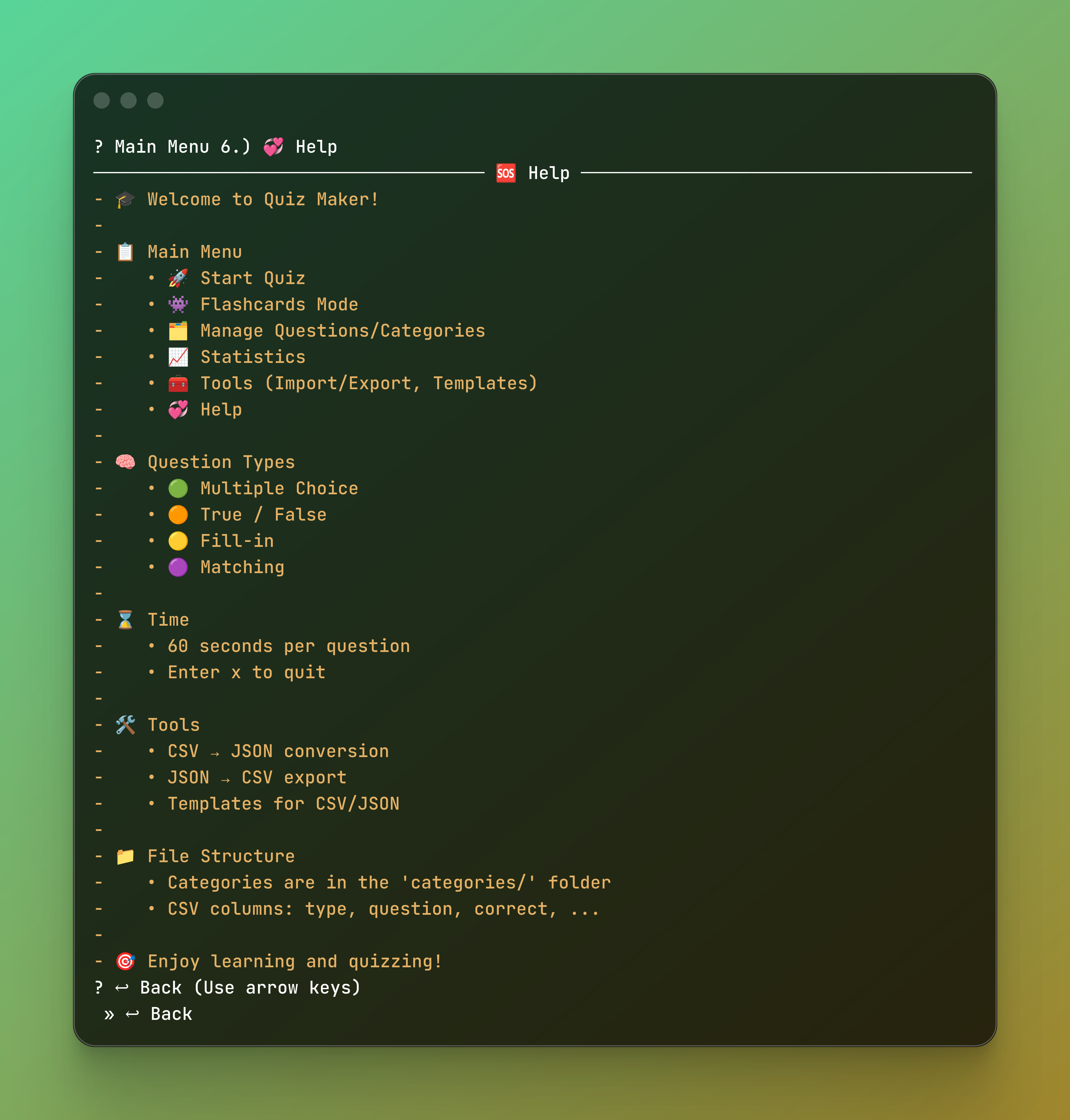
📖 Built-in Documentation
No external manuals required. QM2 includes an extensive in-app help system that details every supported question type—from Multiple Choice to Fill-in-the-blank—ensuring a zero-friction onboarding process for new users.
📊 Technical Specifications
| Category | Specification |
|---|---|
| Language | Python 3.10+ |
| Deployment | PyPI, Docker Container |
| Architecture | Modular CLI (Inquirer-based) |
| Data Formats | CSV, JSON, Remote Fetch |
| CI/CD | GitHub Actions (Auto-publish) |
| Documentation | MkDocs & Dev.to Articles |
Note: For the full source code and technical documentation, visit the GitHub Repository.
🔗 Links & Support
If you’re a CLI enthusiast, I’d love for you to try it out and give me your feedback!
- 📦 PyPI: pypi.org/project/qm2
- 💻 GitHub: ahalvadzija/qm2
- 📖 Docs: ahalvadzija.github.io/qm2
I’m curious — what is your favorite library for building CLI tools in Python? Let’s discuss in the comments!